
The festive period often means exciting gifts—and for many children, that includes their very first mobile phone. While phones can help children stay connected, learn, and have fun, they also introduce new responsibilities and risks. As professionals, you can play a vital role in helping families prepare for safe and positive experiences by sharing these resources with children and families you work with.
Here are some important factors for parents and children to keep in mind:
1. Keep Your Information Safe
- Set strong passwords: Use easy-to-remember but hard-to-guess passwords. Parents can help younger kids set these up.
- Update regularly: Make sure apps and the phone’s software are up to date to keep hackers away.
- Be careful online: Never share personal details like your address or school name with strangers.
2. Watch Out for Online Risks
- Avoid suspicious links: If you get a strange message or link, don’t click it—show it to a parent.
- Download Apps safely: Only get apps from trusted stores like Google Play or Apple App Store.
- Talk about cyberbullying: If something online makes you uncomfortable, tell a parent right away.
3. Healthy Habits
- Limit screen time: Too much phone time can hurt your eyes and sleep. Set family rules for phone use.
- Take breaks: Stretch your hands and look away from the screen every 20 minutes.
- Always lock your phone: Use a passcode/biometric for security.
4. Be Ready for Emergencies
- Know emergency numbers: Teach kids how to call for help if needed.
- Use location sharing wisely: Parents can use family safety apps to keep track of kids when they are out.
- Learn SOS features: Show children how to use emergency call options on their phone.
Top tips:
- Use parental controls: parental controls can filter content, limit screentime, manage contacts and prevent purchased. Set them up in multiple places: Home broadband/Wi-Fi, mobile networks, phone and tablet settings, and console, game and social apps.
- Set clear family rules: agree on when and where phones can be used (e.g. no phones at bedtime or during meals). Create a family agreement covering screentime, app downloads and online sharing.
- Teach privacy basics: show children how to keep their profiles private and turn off location sharing.
- Encourage open conversations: talk regularly about what apps they are using and who they interact with.
- Check apps and age ratings: only download apps from official stores and review age ratings for games and social media platforms.
- Stay updated: regularly update phone’s software and apps for security and use strong passwords and two-factor authentication where possible.
- Prepare for emergencies: teach children how to use emergency numbers and SOS features.
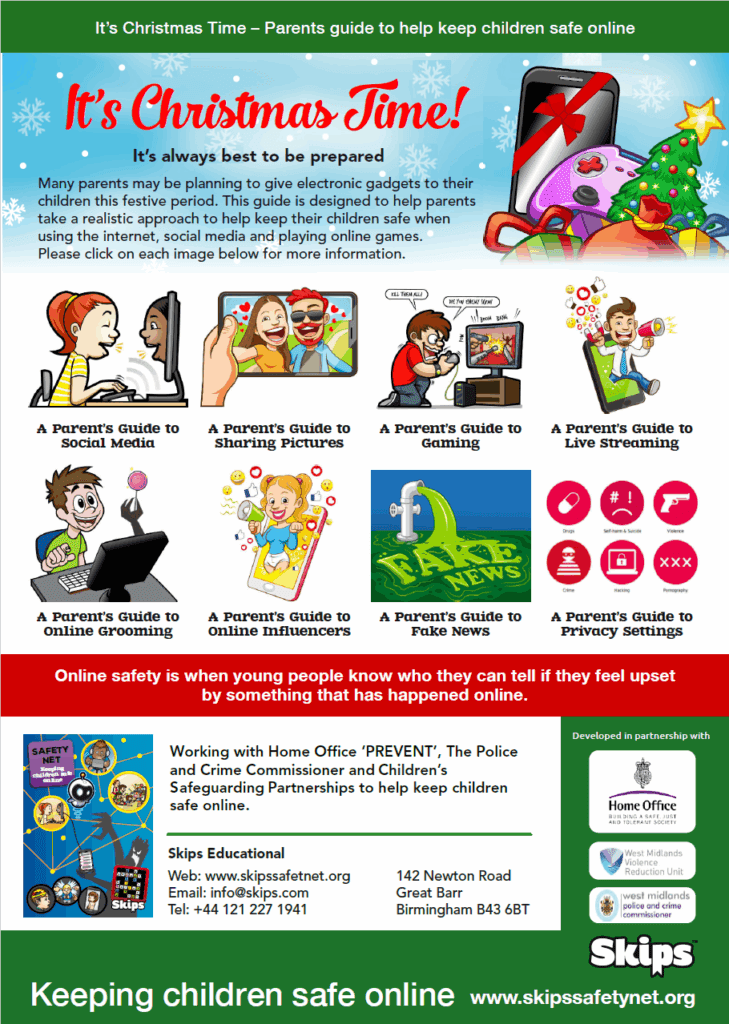
Click the image below to access a useful resource relating to online safety. Each tile takes you to a guide offering support on a variety of topics.
Additional resources:
- Keeping your child safe on their smartphone | Barnardo’s
- How to manage your child’s mobile phone use and keep them safe online – BBC Bitesize
- Use Parental Controls to Keep Your Child Safe | NSPCC
- Mobile phone safety | Childline
- Parents and Carers – UK Safer Internet Centre
- Phones – UK Safer Internet Centre
- Online safety advice by age | Internet Matters
- Children and technology: Age-appropriate usage advice | NSPCC
